On-device scanning
Read shelf tags without sending your photos to an AI service.
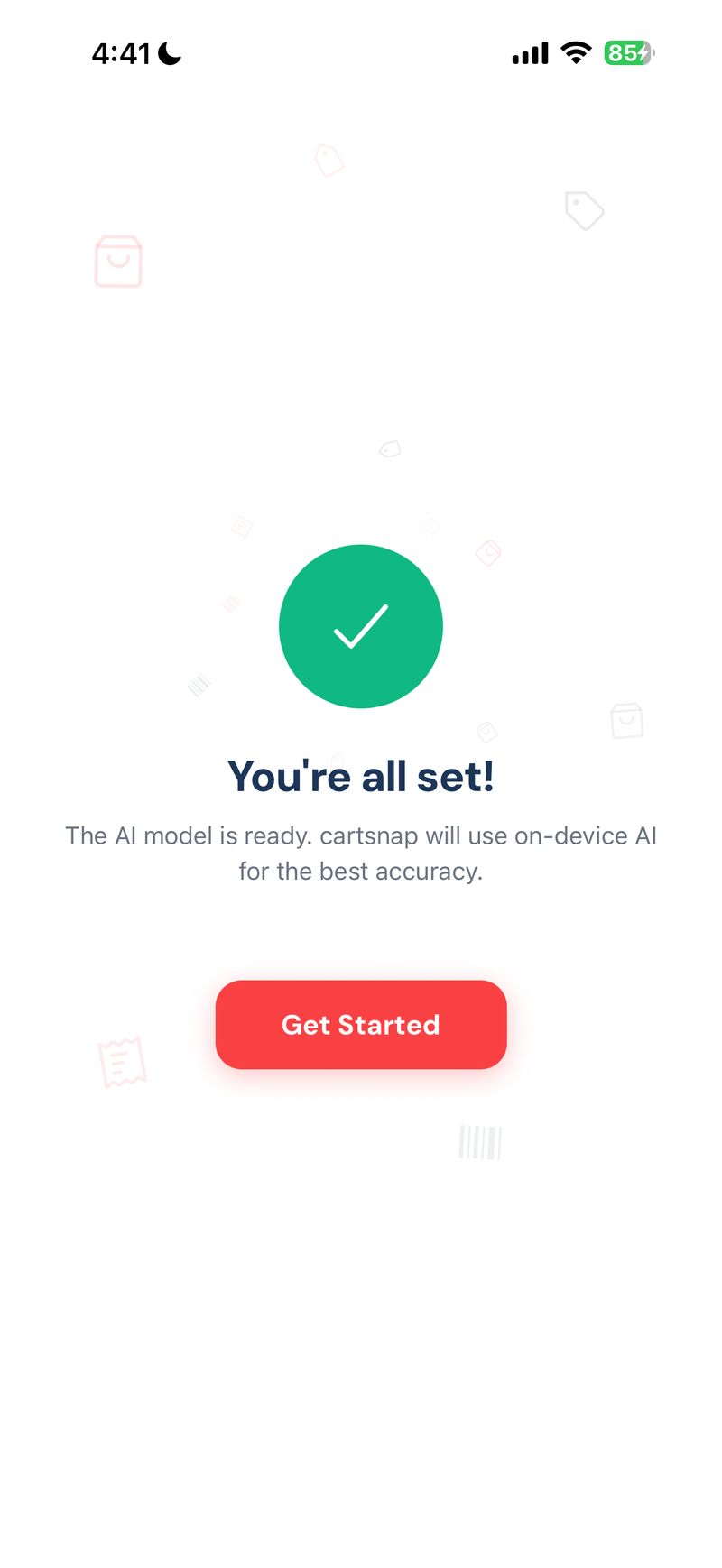
Download the scanning model once. After setup, CartSnap reads price tags on your iPhone and keeps working without an internet connection.
Snap a shelf tag, check the item and price, then add it to your cart. CartSnap keeps the total visible while you shop, and you can start without creating an account.


Download the scanning model once. After setup, CartSnap reads price tags on your iPhone and keeps working without an internet connection.
Once the model is downloaded, scanning and trip history work without a connection. No sign-in needed.
The total bar updates when you add an item or change its quantity. You can check the number before you reach the register.
If a tag is unclear, edit the item name, price, or quantity before adding it. Manual entry is always available.
Open an earlier trip to check its store, items, date, and total. Everything stays on your device.
Open the camera, line up the shelf tag, tap capture.

Check the item and price. Change the quantity if needed, then add it.

The cart total updates as you add items and change quantities.
CartSnap has no account, advertising SDK, or cloud sync. It downloads the scanning model during setup. Your price-tag photos and shopping history stay on your phone.
Scan price tags, track unlimited grocery trips, and keep your history on your phone without a subscription or account.
Yes. Download the scanning model once, then price-tag reading, your cart, and trip history work without an internet connection.
Edit the item name or price on the review screen before adding it. You can also enter an item by hand.
CartSnap is free to download and use. There is no subscription.
CartSnap requires iOS 17 or later. The scanning model needs a one-time download and uses storage on your phone.
Visit the CartSnap support page for setup help, troubleshooting, and contact details.
Download it free and start without creating an account.