100% on-device · Nothing ever leaves your phone

Know your grocery total before you reach the register.

Point your camera at a shelf tag. CartSnap reads the item and price, drops it into your cart, and tallies a live total — all on your iPhone, fully offline. No account. No cloud. No catch.

Download on the App Store
Pay once. Own it forever. No subscriptions. Every update included.
0
trackers, ever
0
accounts needed
100%
works offline
one-time payment
CartSnap scanning a shelf tag
CartSnap running total
Reads in seconds · on-device
Running total
₱2,930.00
Scanned in the aisles of Puregold SM Supermarket S&R Robinsons Rustan's 7-Eleven
Built for real shopping

Small app. Big jobs.

On-device AI

A vision model that runs in the aisle, not in the cloud.

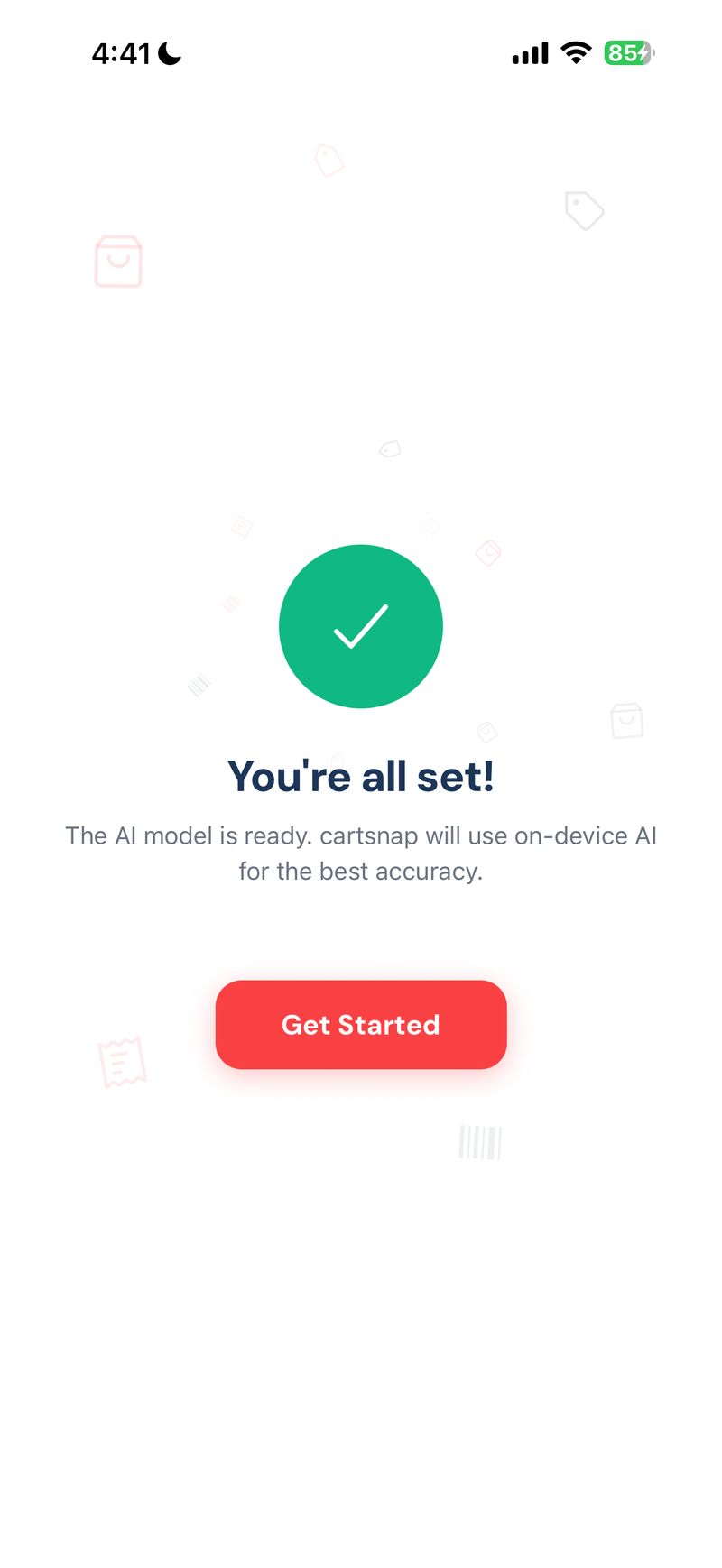
One download, then silence. CartSnap fetches its vision model once, then never phones home again. Every scan runs on your iPhone's Neural Engine — fast, private, and fully yours.

CartSnap capture screen
Zero network

Works in airplane mode. Works in the basement.

No sign-in, no telemetry, no server round-trips. Your trips and totals never leave the device — because they have nowhere to go.

Airplane mode · Still scanning
Live total

Never do grocery math again.

A sticky total bar updates the instant you add. No calculator, no spreadsheet, no mental arithmetic in the frozen aisle.

4 items ₱2,930.00
Forgiving

Fix a miss in two taps.

Blurry tags, handwritten markdowns, weird promos. Tap to edit name, price or quantity before adding.

Local history

Every trip, saved on-device.

Revisit last week's shop, compare stores, see which aisles are quietly eating your budget.

How it works

Three taps. One total.

Step 1 screenshot
STEP 01

Point at a tag

Open the camera, line up the shelf tag, tap capture.

Step 2 screenshot
STEP 02

Confirm & add

Name and price are pre-filled. Bump the quantity, hit Add to Cart.

Step 3 screenshot
STEP 03

Watch the total

The sticky total updates instantly. Walk to the register with zero surprises.

Privacy, by construction

Your cart is none of our business.

No analytics. No ad SDKs. No accounts. No servers to sync with. The only network call CartSnap ever makes is the one-time model download. After that, the radio goes dark — by design, not policy.

  • Nothing uploadedPhotos, prices and trips stay on your iPhone.
  • No accountOpen the app and start scanning. That's it.
  • No analyticsNot even the anonymous kind.
  • Your data, your fileA plain SQLite database you can back up.
NETWORK · CartSnap
GET/tag-readblocked
POST/itemblocked
PUT/tripblocked
GET/historyblocked
POST/analyticsblocked
0 requests sent in the last 24h. By design.
Pricing

Buy it once. Keep it for good.

One flat price at your local App Store rate. No subscriptions, no upsells, no premium tier lurking behind a paywall. Every future update — smarter models, new features, more stores — lands in your pocket at no extra cost.

One-time purchase
₱249 or your local App Store price
  • Unlimited scans & trips
  • On-device AI, offline
  • Every future update
  • No subscriptions, ever
  • No account required
  • Works on any iPhone (iOS 17+)
Ready in 30 seconds.
Download on the App Store
iPhone · iOS 17 or later
FAQ

Still wondering?

Does CartSnap really work fully offline?+

Yes. After a one-time model download, every scan runs on your iPhone's Neural Engine. Flip on airplane mode and keep shopping — we test it that way on purpose.

What if a tag is misread?+

Tap the name or price to correct it before adding. Manual entry is always one tap away, and the model keeps getting sharper in every update.

Is a subscription coming later?+

No. One price, one time, forever. Every future update — smarter scans, new features, more stores — ships to existing owners at no extra cost.

Which iPhones are supported?+

Any iPhone running iOS 17 or later. The on-device vision model is a one-time download — around the size of a short movie — and then it lives on your phone forever, offline.

Can I restore my purchase on a new phone?+

Yes — through the App Store, like any paid app. Sign in with the same Apple ID and tap "Restore Purchase."

Stop guessing at the register.

One purchase. Every future update. Yours for good.